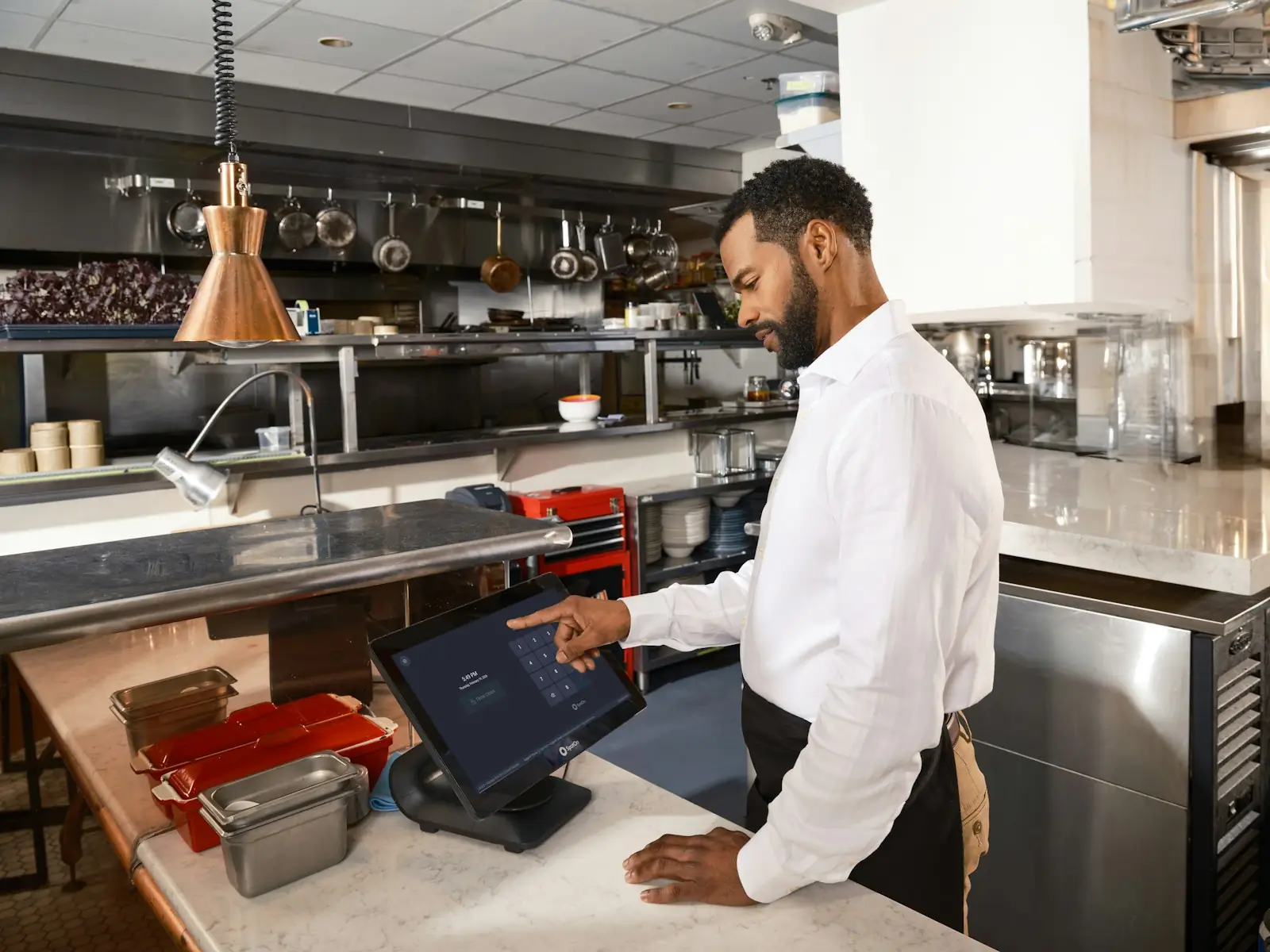
Live floor & tables
See free and busy tables at a glance, open or add to an order in one tap, transfer or merge tables, and manage rooms and floors.

NAVALYST POS
Take orders at the table, send them to the kitchen and close every bill in one place.
See free and busy tables at a glance, open or add to an order in one tap, transfer or merge tables, and manage rooms and floors.
Orders reach the kitchen as tickets with timers, notes and modifiers, so the pass always knows what is waiting and what is ready.
Split bills, take several payment methods on one bill, keep a tab with pay later, apply VAT and service charge, and print or share the bill.
A scannable menu for every table and a restaurant website with online ordering, driven from the same menu you run in the POS.
Recipes deduct ingredients as you sell, low-stock alerts show what to reorder, and vendor purchases and wastage stay on the record.
Sales by hour, category and channel, revenue against cost of goods, and a cash drawer that reconciles opening, cash in and cash out.
Manager, cashier, waiter, kitchen and inventory roles see only what they need, with sensitive financial pages protected.
Customer profiles with credit accounts and loyalty points, so regulars are recognised and tabs are tracked properly.
Photograph or upload an existing menu and review the detected items, prices and categories before anything goes live.
QUESTIONS
Straight answers before you book a walkthrough.
Live floor and table management, kitchen tickets, split and multi-payment billing, pay later, QR menus and a storefront for online orders, stock with recipes and purchases, reports, a cash drawer, staff roles, customer profiles with loyalty, and AI menu import.
Yes. You can configure tax and service charge, and bills carry your business details, including a PAN number when you register one.
Yes. The POS runs in a modern browser with layouts for phones, tablets and desktops, and it can be installed like an app on Android and desktop. It needs an internet connection to take and sync orders.
Yes. Each table can have a QR menu, and the same menu powers your restaurant website and online ordering, so you only maintain it once.
Yes. Upload a spreadsheet, or photograph or upload a menu and let the AI import detect items, prices and categories. You review and edit everything before it is published.
Yes. Managers, cashiers, waiters, kitchen and inventory staff each get a role, and financial pages stay hidden from roles that do not need them.
For demos, partnerships, custom software and the organisations building what comes next. Tell us about your operation and we will show you what fits.
Call, message or email — we reply as soon as we can.
Help us improve Navalyst
With your permission, we use anonymous analytics to understand how people use this site. You can change this choice in your browser storage.