
STOCK & COST11 Oct 20267 min read
Bakery POS: tracking what you bake, what you sell and what you throw away
Bakeries lose money quietly at the end of the day. Linking recipes, sales and wastage shows exactly where the margin goes.
NBy the Navalyst team
Already using Navalyst POS? Sign in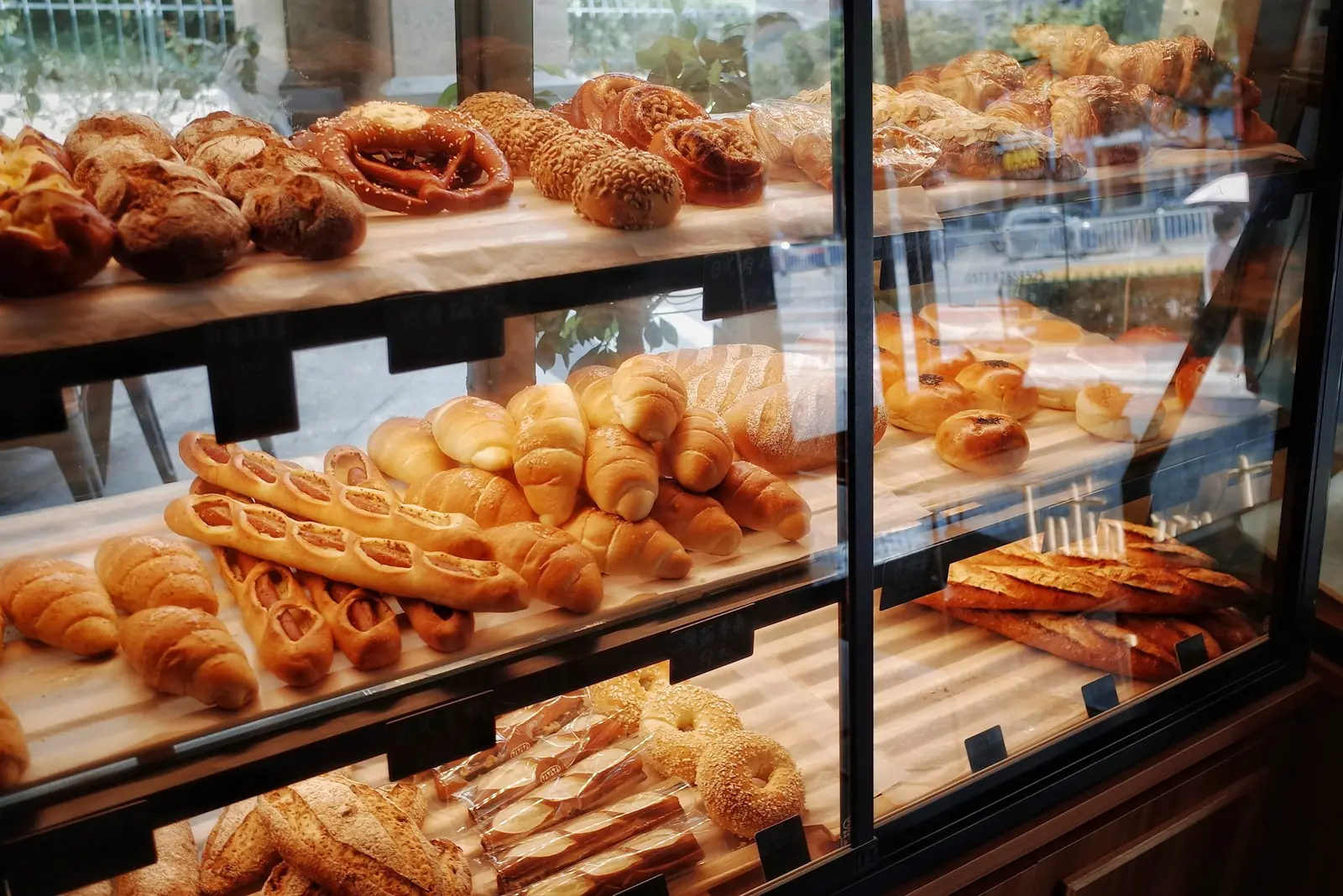
A bakery has an unusual problem. The product is made before the customer arrives, it has a short shelf life, and whatever is left at closing time is lost margin. Flour, butter and sugar are bought in bulk, but sold one slice or loaf at a time. Without a system, nobody knows the true cost of a croissant or how many were thrown away.
Start with recipes
A recipe links each menu item to its ingredients. When a croissant is sold, the POS deducts the butter and flour that went into it. Your stock count then follows sales automatically, and low-stock alerts tell you what to reorder before you run out on a Saturday morning.
Record wastage as it happens
Burnt trays, dropped boxes and end-of-day leftovers are wastage. Logging them with a reason turns a vague feeling that you throw away too much into a number you can act on: which items, which days, which shift.
- 1
- Recipe per item
- Auto
- Ingredient deduction
- Daily
- Wastage review
Read the day-end report
Compare revenue against cost of goods. If your best seller has the thinnest margin, you will see it here, and you can adjust the price, the recipe or the batch size.
- Bake smaller batches in the afternoon when sales slow down.
- Review wastage by item every week and cut the worst offenders.
- Keep vendor purchases on the record so your cost per item stays honest.
- Use a QR menu or online ordering to take orders for the next day's bake.
Navalyst POS includes recipes, stock, vendor purchases and wastage alongside the till, so a bakery can sell and control cost in one place. Book a demo and we will set up a few of your own recipes.
- Bakery POS
- Wastage
- Stock