OPERATIONS6 Oct 202610 min read
From table to till: keeping the floor, kitchen and bill in step
A live floor plan, kitchen tickets that time themselves and split bills that take seconds. Follow one order through a Friday-night service.
NBy the Navalyst team
Already using Navalyst POS? Sign in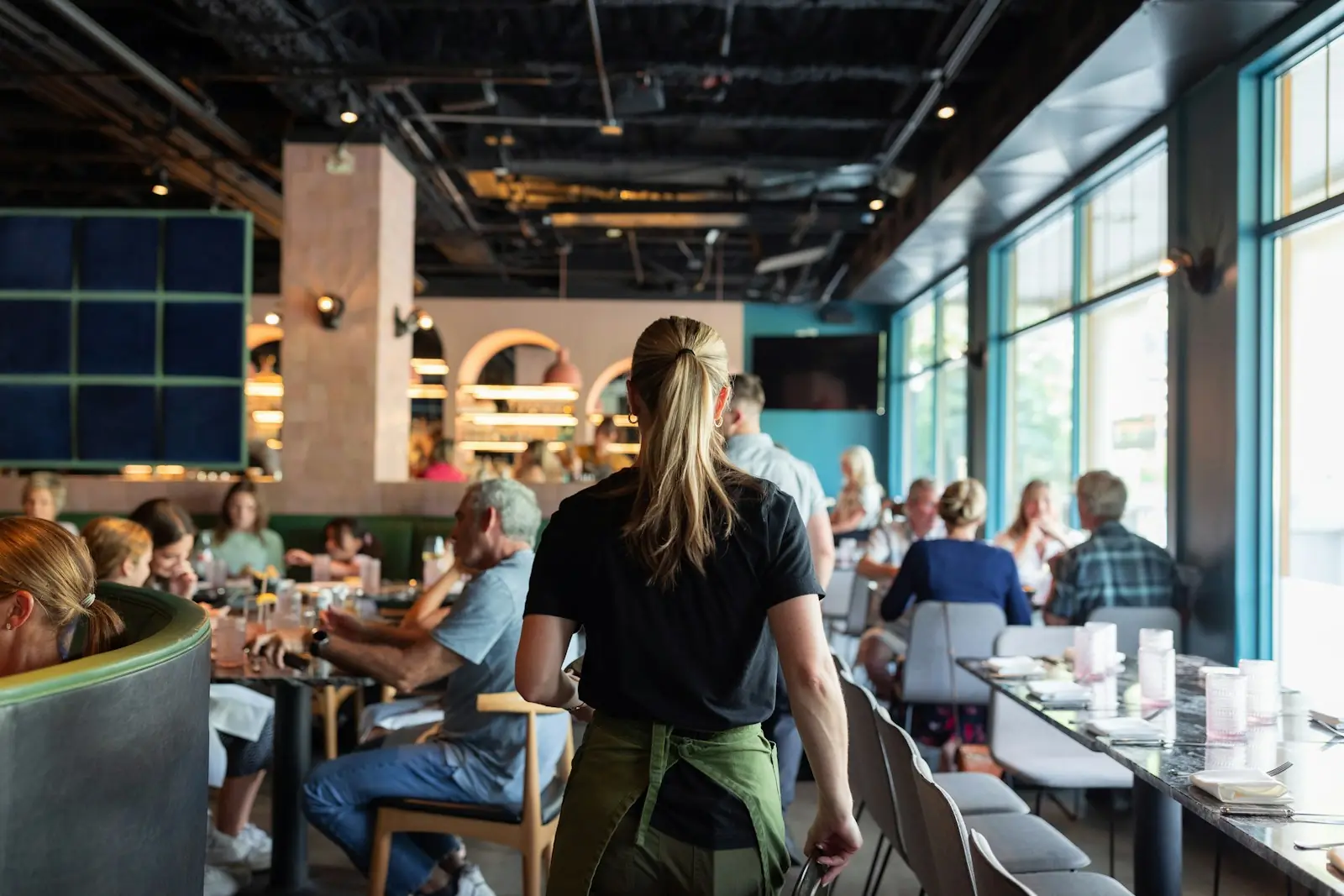
A busy service is a relay race. A guest sits, a waiter takes the order, the kitchen cooks, someone brings the bill, the table turns. Every handoff is a chance to lose a minute or an order — and on a Friday night those minutes are the difference between a full room and a queue at the door.
Here is how one order moves through Navalyst POS, and what each step quietly saves your team.
The floor: seeing the room without walking it
The floor plan mirrors your real layout. Tables show as free, busy or waiting for payment, so a manager at the door can seat guests without walking the room, and a waiter can tell at a glance which tables need attention.
- Tap a free table to start an order; tap a busy one to add items to the running order — never a duplicate ticket
- Move or merge tables when a party grows or leaves, without re-entering items
- Four ways to serve in the same system: dine-in, takeaway, delivery and staff use, each clearly labelled
- A table waiting for payment is freed from the floor as soon as the bill is sent, so the next party can sit
Taking the order: fast, accurate, hard to get wrong
Items are added from a menu that reflects what is actually available. Modifiers — size, spice, extras — are captured as choices rather than scribbled notes, and a free-text note travels with the item for the cases that need it. Quantity controls are built for thumbs, which matters more than it sounds when a waiter is balancing a tray.
- 1
Pick the table or channel
Dine-in starts from the table; takeaway and delivery start from a channel, so the order is labelled correctly from the first tap.
- 2
Add items and modifiers
Choose dishes, apply modifiers, set quantities and add a short note where needed.
- 3
Send to the kitchen
One tap sends the new items as a ticket. Items added later go as a new round, so the kitchen never has to guess what is new.
The kitchen: tickets that time themselves
In the kitchen, orders appear on a board as tickets. Each shows what was ordered, for which table, with any notes — and how long it has been waiting. When a ticket passes the time limit you set for your kitchen, its timer turns amber, so slow tables are visible before the guest complains.
- Live
- timers on every ticket
- 1 tap
- to send a round
- Notes
- travel with each item
Because the kitchen sees the same order the waiter built, there is nothing to re-key and nothing to read from handwriting. Cooks are marked on tickets so you can see who is working on what, and the summary chips on the board show how many tickets are new, cooking or ready.
The bill: built for how guests actually pay
Guests rarely pay in one neat transaction. Someone covers the starters, two people split the mains, a third pays by card. Navalyst POS treats that as normal rather than an exception.
- Split a bill by guest or by item and collect each share on its own
- Take cash, card, online and other methods on a single bill — and split the amount between them
- Send the bill to the table without collecting payment, freeing the seat while the guest finishes
- Keep tax and service charge consistent on every share
- Reprint or share a copy of any bill later from the bill page
Where the minutes go in a service
| Moment | Paper and memory | One connected order |
|---|---|---|
| Seating | Walk the room to find a free table | Floor plan shows free, busy and waiting |
| Ordering | Write, walk, re-type | Tap items once; send as a round |
| Kitchen | Handwritten tickets, shouted updates | Digital board with timers and notes |
| Splitting the bill | Calculator and an awkward pause | Split by guest or item in a few taps |
| Closing the table | Table stays ‘busy’ until payment clears | Bill sent; table freed for the next guests |
“The best service systems disappear. Nobody should notice them except when they are missing.”
What it adds up to
None of these steps is dramatic on its own. Together they remove the small frictions that make a restaurant feel slow even when everyone is working hard: the table nobody noticed was ready to pay, the ticket that sat in the wrong place, the bill that took ten minutes to divide. Because the floor, kitchen and till share one order, there is nothing to reconcile when the night ends — the numbers are already right.
- Floor
- Kitchen
- Billing