GUEST EXPERIENCE29 Sept 20269 min read
Let guests order from their phone — and find you online
A QR code on every table, a menu that stays current and a website you can edit yourself. Fewer missed orders, fewer menus to reprint.
NBy the Navalyst team
Already using Navalyst POS? Sign in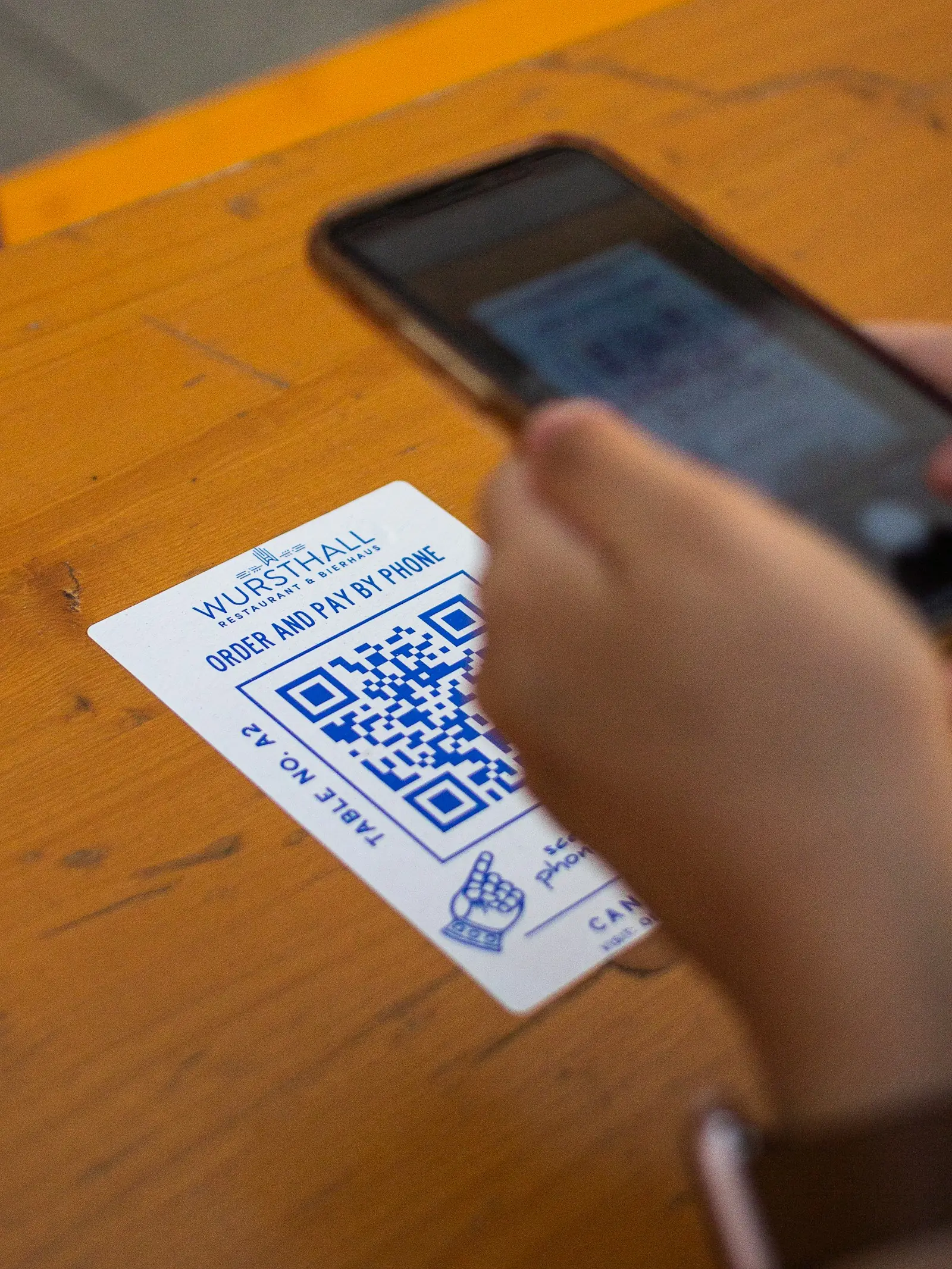
Guests already carry the best ordering device in the room. Meeting them there shortens waits, lets your team focus on hospitality instead of notepads, and gives you a menu that is always correct — which is more valuable than it sounds.
This article covers the three things that make a restaurant easy to order from: a QR menu at the table, a single menu you maintain in one place, and a small website that helps new guests find you.
QR ordering at the table
Each table gets its own QR code. A guest scans it, browses your menu on their own phone, adds items and sends the order straight to the kitchen board. Payment is handled at the venue as usual, so there is no card form to build trust around and no delivery logistics to manage.
- A code per table means the order always arrives with the right table attached
- Guests skip name and phone entry — it is a table order, not an online one
- There is no delivery or minimum order on table ordering, and any amount is fine
- It is a separate setting from online ordering on your website, so you can offer one without the other
One menu, maintained once
A menu that is wrong in one place is wrong everywhere. Navalyst POS keeps a single menu behind the till, the QR menu and your website, so a change happens once.
- 1
Import from what you already have
Upload a photo or PDF of your current menu. The system reads out item names, prices and categories as a list for you to review.
- 2
Review and correct
Edit anything it got wrong, untick what you do not want, and add descriptions. Nothing is published automatically.
- 3
Keep it current
Mark an item unavailable once and it disappears from the till and the guest menu together. Change a price once and it updates everywhere.
Printed menus vs. one live menu
| Printed card | Live menu | |
|---|---|---|
| Change a price | Reprint every card | Edit once; updated everywhere |
| Item sold out | Staff apologise at the table | Marked unavailable; guests do not see it |
| Photos and descriptions | Limited by space and print cost | Rich items with photos and notes |
| Languages and updates | Another print run | Edit the text; it is live |
Your website: simple, yours and fast to edit
Not every restaurant needs a developer to look professional online. Navalyst includes a website builder: pick a look, add your menu, hours, location and contact details, and publish. Because the menu comes from the same place as your till, the website never drifts out of date.
- Your menu, opening hours, address and contact details in one place
- Pages that load quickly on a phone — where most guests find you
- Colours and branding you can match to your restaurant
- Optional online ordering when you are ready, kept separate from table ordering
- 1
- menu behind the till, QR and website
- 0
- reprints when a price changes
- Phone
- first, because that is where guests are
Install it on a phone
The POS itself can be installed on a phone or tablet like an app, so staff and owners have it one tap away. It keeps your recent data handy and updates automatically when we improve it.
- QR ordering
- Website
- Menu